A Quick Guide to Measuring Sound in Your Browser
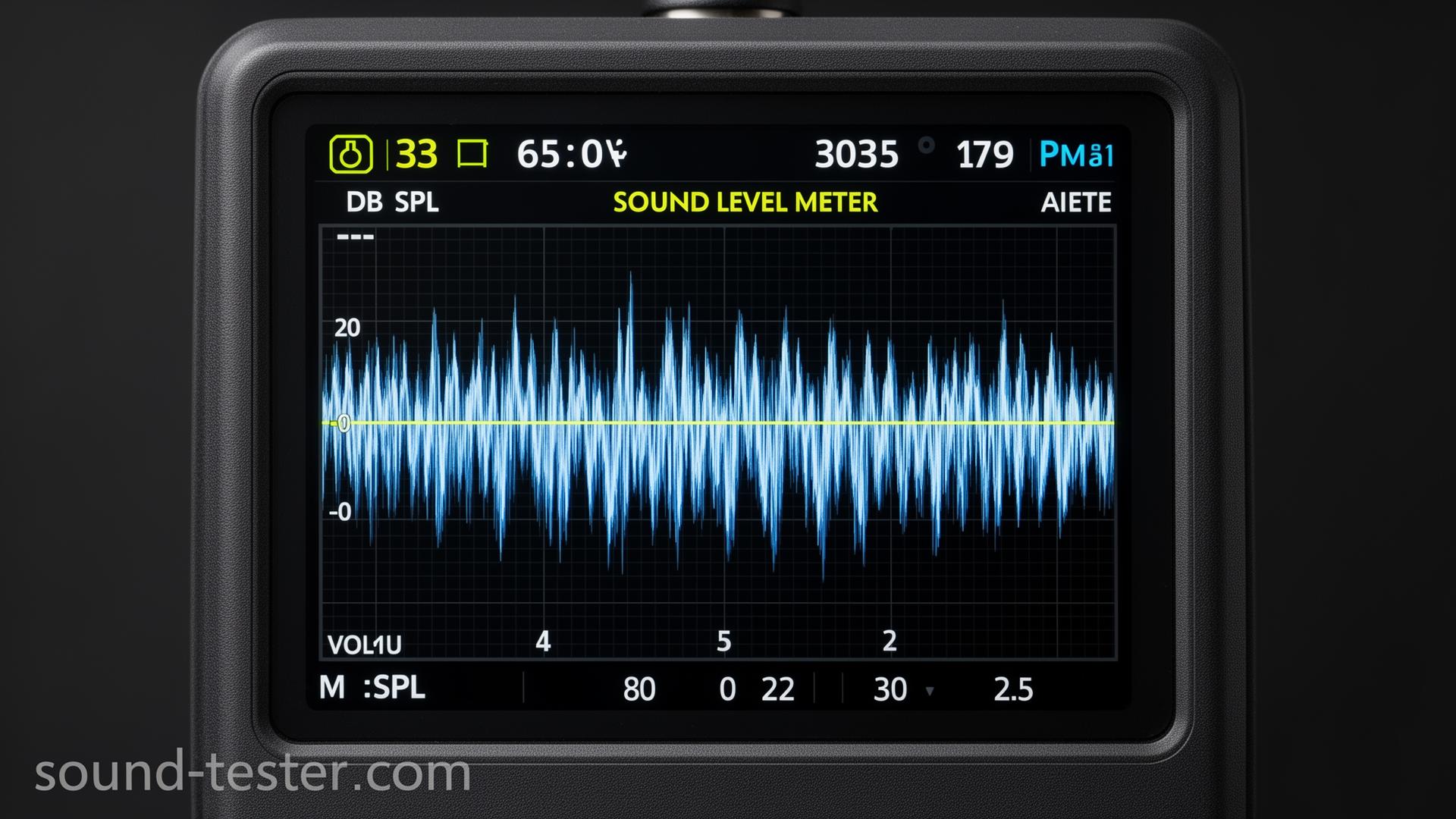
This tool uses your device's microphone to estimate how loud your surroundings are in decibels (dB). It's handy for a quick sanity check: is your office too noisy for calls, is the music too loud, is the bedroom quiet enough for sleep? If you want to confirm your mic is even picking up sound first, try the microphone test.
What the readings mean
Decibels are logarithmic, so small numbers cover a big range. Here's a rough sense of what you'll see:
- 30-50 dB: Quiet room, library, light rain
- 50-70 dB: Normal conversation, background music
- 70-85 dB: Busy traffic, vacuum, noisy restaurant
- 85-100 dB: Lawnmower, motorcycle, loud concert. Long exposure can damage hearing.
- 100+ dB: Nightclubs, sirens, power tools. Use hearing protection.
Safe listening at a glance
NIOSH suggests cutting daily exposure roughly in half for every 3 dB above 85:
- 85 dB: up to 8 hours
- 91 dB: up to 2 hours
- 97 dB: about 30 minutes
- 100 dB: about 15 minutes
Ringing ears, muffled hearing, or trouble following conversations after loud exposure are early warning signs. Testing your headphones can also help you set a comfortable listening level.
Tips for better readings
- Point the mic toward the sound source and keep it a steady distance away.
- Indoors is better. Wind across a mic can spike readings.
- Built-in laptop and phone mics vary a lot. External mics are usually steadier.
- Use min/max/average to capture how levels change over time, not just a single spike.
How accurate is this?
Honestly: good enough for everyday curiosity, not for legal or workplace compliance. Consumer microphones aren't calibrated, and readings can drift by several dB between devices. If you need certified measurements for occupational health, environmental reports, or regulations, use a calibrated handheld meter instead. For everything else, this is a quick, no-install way to get a feel for your noise environment.
FAQ
Is it free?
Yes. No sign-up, no download. Allow mic access and you're measuring.
Does it work on phones?
Yes, in modern mobile browsers like Chrome, Safari, and Firefox.
Is my audio recorded?
No. Everything is processed in your browser. Nothing is uploaded or stored.
Why does my reading differ from a phone app?
Different mics and algorithms produce different numbers. Variations of 5-10 dB between devices are normal.

