Complete Guide to Surround Sound and Spatial Audio Testing
Surround sound technology has revolutionized how we experience movies, games, and music by creating an immersive audio environment that places sounds all around the listener. Whether you have a dedicated home theater system with multiple speakers or use headphones with virtual surround sound processing, testing your spatial audio capabilities ensures you get the full immersive experience your equipment can deliver. For basic stereo verification, start with our headphone test.
Our free online surround sound test simulates directional audio from eight positions around you, helping you verify that your audio equipment correctly renders spatial positioning. This test works with both traditional multi-speaker setups and headphones using stereo panning to create virtual spatial effects, making it useful for anyone wanting to verify their audio setup. For wireless headphone users, also check for audio delay with our Bluetooth latency test.
Understanding Surround Sound Technology
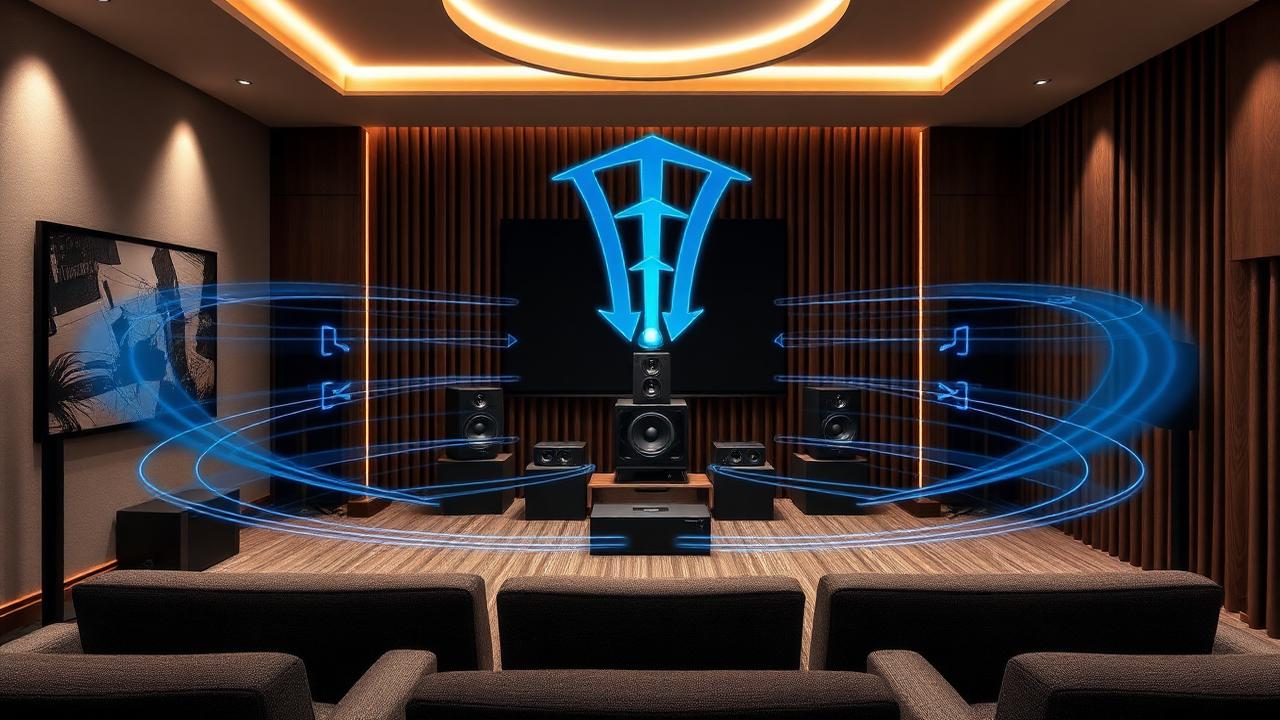
Traditional surround sound systems use multiple speakers positioned around the listener to create enveloping audio. The most common configurations include 5.1 systems with five main speakers and one subwoofer, 7.1 systems adding two additional rear speakers, and newer formats like Dolby Atmos that add height channels for three-dimensional sound. Each speaker handles specific audio channels, creating a seamless soundscape when properly configured.
Virtual surround sound, commonly used in headphones and soundbars, uses digital signal processing to simulate the effect of multiple speakers using just two drivers. These technologies analyze audio signals and apply head-related transfer functions to trick your brain into perceiving sound from various directions. While not identical to true multi-speaker setups, modern virtual surround has become remarkably convincing.
Physical speakers create true directional audio. Test reveals channel assignment and speaker positioning issues.
Digital processing simulates spatial audio. Test evaluates virtual positioning effectiveness.
How to Use Our Surround Sound Test
For best results with headphones, ensure they are worn correctly with left and right channels on the appropriate ears. Most headphones mark the left cup with an L symbol. Sit in a relaxed position and try to imagine yourself in the center of the circular test interface. As you click different positions, the sound should appear to come from that direction relative to your position.
For speaker systems, sit at the intended listening position, typically centered between the front speakers and at an appropriate distance. Run our test while moving between positions to verify each speaker is correctly assigned. If front-left audio plays from your right, you have a channel assignment or wiring issue that needs correction.
The auto-rotation feature helps evaluate how smoothly your equipment transitions between positions. Quality surround systems create a seamless rotation effect where sound appears to travel smoothly around you. Any gaps, jumps, or inconsistencies in the rotation indicate either equipment limitations or setup issues worth investigating.
Interpreting Your Test Results
Successful surround sound should create a clear sense of direction for each test position. Front sounds should clearly come from in front of you, side sounds from the appropriate side, and rear sounds from behind. If you cannot distinguish between positions, your equipment may have configuration issues or simply lack sufficient spatial processing capabilities.
For headphones, virtual surround quality varies significantly between products. Premium gaming headsets and audiophile headphones often provide convincing spatial positioning, while budget options may struggle to create distinct directional cues. Our test helps you understand your headphones spatial capabilities so you can make informed decisions about upgrades or settings adjustments. Run a complete headphone test to evaluate stereo balance and frequency response alongside spatial audio.
Signs of Proper Surround Sound Setup
- • Clear directional perception for all eight test positions
- • Smooth transitions during auto-rotation without gaps
- • Front sounds noticeably different from rear sounds
- • Left-right positioning is accurate and distinct
- • Volume levels are balanced across all positions
Common Surround Sound Problems and Solutions
Reversed channels are one of the most common surround sound issues. If our test reveals that left sounds come from right or front sounds come from rear, check your speaker wiring, audio software settings, and physical speaker placement. Many receivers and software players include channel testing features that can help identify and correct assignment issues.
Weak or missing surround effects often result from incorrect speaker placement. Surround speakers should ideally be positioned to the sides and slightly behind the listening position, not directly beside or in front. Speaker height also matters since placing surrounds too high or too low reduces the immersive effect.
For virtual surround on headphones, ensure the spatial audio feature is enabled in your device's audio settings. Many modern operating systems include built-in spatial audio processing that must be activated. Third-party surround software may conflict with built-in options, so verify only one spatial processing solution is active at a time.
Optimizing Your Surround Sound Experience
Speaker placement is crucial for traditional surround systems. The front three speakers should be at ear level when seated, with the center channel directly below or above your display. Surround speakers work best positioned at or slightly above ear level, between 90 and 135 degrees from center. Subwoofer placement is more flexible due to how low frequencies propagate, but corner placement often provides the strongest bass.
For headphone surround, experiment with your device's spatial audio settings. Different processing modes may work better for movies versus games versus music. Some headphones include companion apps with additional tuning options. Gaming modes often emphasize directional accuracy for competitive advantage, while music modes may prioritize natural sound over precise positioning.
Best Practices for Surround Testing
Test in a quiet environment to clearly hear directional cues. Run through all positions multiple times to verify consistent results. Compare headphone surround with speaker surround to understand the differences. Consider testing different content types since movies, games, and music may trigger different spatial processing behaviors.
Advanced Surround Sound Formats
Object-based audio formats like Dolby Atmos and DTS:X represent the latest evolution in surround sound technology. Rather than assigning sounds to fixed channels, these formats position audio objects in three-dimensional space, allowing compatible systems to render optimal playback regardless of speaker configuration. Our test provides a basic spatial evaluation, but these advanced formats require dedicated testing content to fully evaluate.
Head tracking, increasingly common in gaming headsets and Apple's AirPods, adds another dimension to spatial audio by adjusting sound positioning as you move your head. This creates an even more realistic audio environment where sound remains anchored to virtual positions as you look around. If your headphones support head tracking, notice whether the sound field moves with your head or stays fixed.
When to Consider Upgrading Your Surround System
If our test reveals that your current setup cannot produce distinct directional audio, consider whether upgrades could improve your experience. For speaker systems, properly positioned budget speakers often outperform premium speakers poorly placed. Invest in correct speaker placement before considering expensive hardware upgrades.
For headphones, virtual surround quality varies dramatically between products. If spatial positioning is important to you, research headphones specifically designed for surround sound with quality digital signal processing. Gaming headsets often prioritize spatial accuracy over general audio quality, while audiophile headphones may offer superior sound but weaker virtual surround effects. Test bass performance separately with our bass test, and evaluate complete audio range with our frequency test.
Common Questions
I have stereo headphones. Can I really test surround sound?
Yes, using virtual surround. Modern audio uses HRTF (head-related transfer function) to simulate directional sound from just two drivers. The effect varies by headphone, but most decent stereo headphones give a reasonable sense of left/right/front/back positioning.
The rear channels sound like they're in front of me. Why?
Common problem with stereo headphones since front/back confusion is the hardest part of virtual surround. Try repositioning your headphones (slightly tilted forward helps some people), or use a system with proper Windows Sonic, Dolby Atmos for Headphones, or DTS Headphone:X enabled.
On my speakers, the rear/side channels are weak or silent. Is my setup wrong?
Check that your audio output is set to 5.1 or 7.1 mode in system settings, not stereo. Stereo mode downmixes everything to two channels, so you'd lose the surround info. Also verify each speaker is plugged into the correct port on your audio interface or receiver.
I can't tell front from back at all. Are my headphones bad?
Not necessarily. Front/back perception depends heavily on HRTF, which varies per person. Some people just need an HRTF-personalized solution (like Apple's Spatial Audio or Sony 360 Reality Audio) to perceive it clearly. Try a different spatial audio mode if available.
Does this work for gaming or movies?
This test confirms your hardware can position sound correctly. If our test passes but games still sound flat, the issue is the game's audio settings or output mode, not your gear. Set games to 5.1/7.1 or enable spatial audio in Windows.

