Professional Tool

Speaker Test

This online speaker test plays bass, midrange, and treble tones plus a left/right channel check so you can confirm every part of your speakers works.

Speaker Test

Test speaker clarity across low, mid, and high frequencies.

Stereo / Left-Right Channel Test

Check if your speakers play correct left and right audio. Adjust the balance slider to isolate each channel.

L
50%
Center
Balance
R
50%
Troubleshooting Guide

Speakers Acting Up? Try These Fixes First

Most speaker problems are not broken hardware; they are the wrong output device, a muted tab, a loose cable, or a bad room position. Work through these in order and you will likely fix the issue in under a minute.

Step 1

No Sound at All

  • Check the system output device in the bottom right. It often gets stuck on a disconnected Bluetooth device or HDMI monitor.
  • Right-click the browser tab and confirm it is not muted. A single accidental click silences the whole page.
  • Raise the master volume and any per-app volume in the system mixer; some apps get muted independently.
  • If using an external DAC or receiver, confirm it is powered on and set to the correct input.
Step 2

Only One Speaker Plays

  • Swap the left and right cables at the speaker end. If the dead side follows the cable, the cable is faulty.
  • Open system sound settings and check the balance slider is centered; it drifts off center easily.
  • For powered speakers, check the link cable between left and right units is fully seated.
  • Try our stereo test above and pan hard left, then hard right, to confirm both channels drive audio.
Step 3

Buzzing, Rattling, or Distortion

  • Rattling during the bass test usually means something loose nearby: the grille, desk items, or a wall panel.
  • A low hum that gets louder near cables is a ground loop. Move the speaker power to a different outlet from your PC.
  • Distortion at higher volume means the amp is clipping. Lower the source volume and raise the speaker volume instead.
  • Crackling on one channel points to a damaged cable or a failing driver. Swap cables first before replacing hardware.
Step 4

Bass Sounds Weak or Boomy

  • Small desktop and laptop speakers physically cannot push deep bass. If the mids and treble are clear, the speaker is fine.
  • Speakers pushed into a corner or against a wall get boomy bass. Pull them 6 to 12 inches away from walls.
  • Place speakers on isolation pads or a soft mat if bass sounds muddy on your desk.
  • Sit at ear level with the tweeters and form a triangle with your listening position for balanced sound.
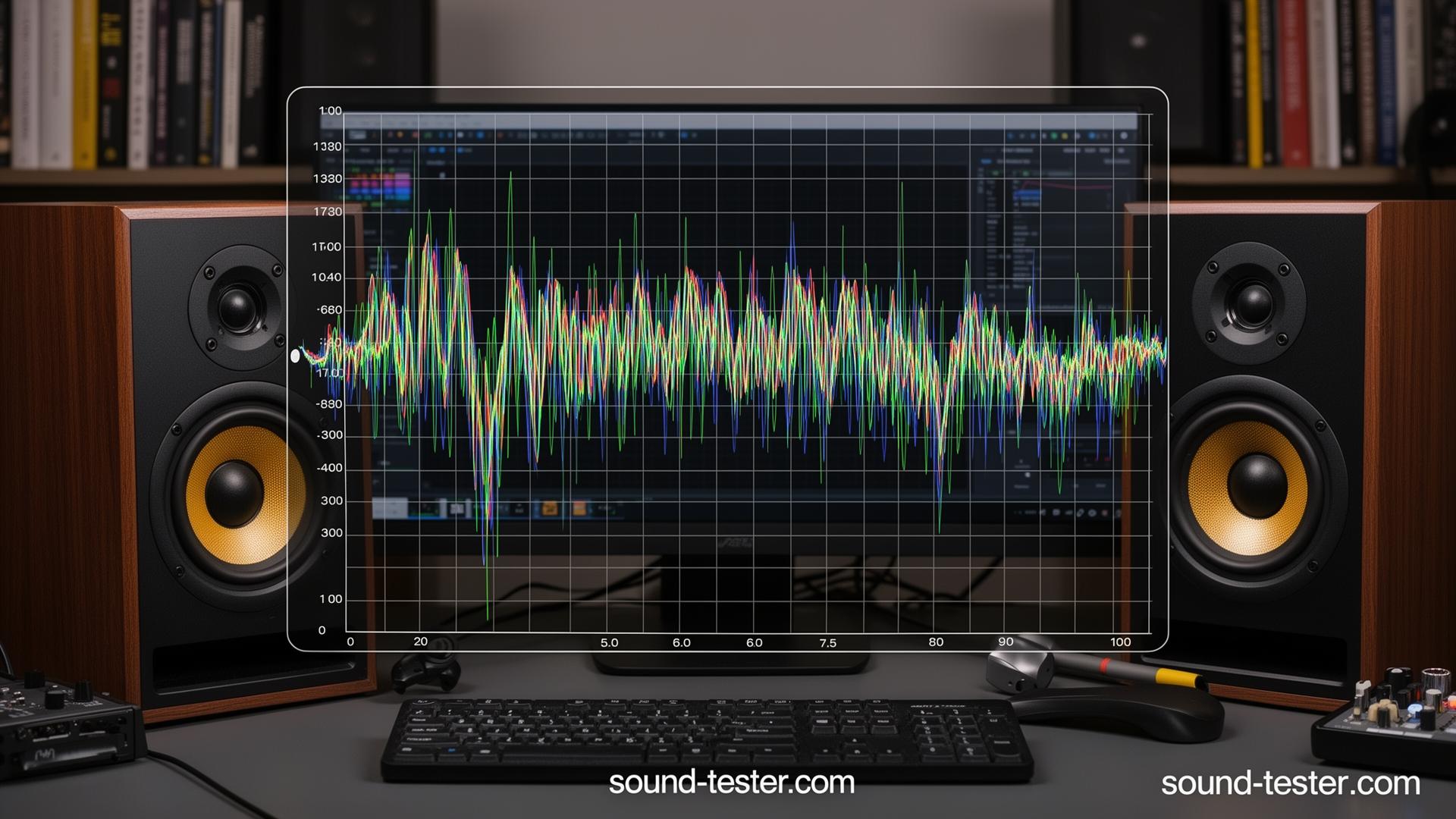
Professional bookshelf speakers with frequency response graph for speaker testing
sound-tester.com
Desktop speaker testing setup with frequency analysis

How to Really Test Your Speakers

Your speakers are the last link in the audio chain, and everything you hear goes through them. So if something sounds off, it could be your speakers, your room, or even how they're positioned. Let's figure it out. And if you want to really dig into the bass, check out our dedicated bass test.

Why Test Your Speakers?

Here's the thing: speaker problems don't always announce themselves. A slightly damaged driver might only distort at certain volumes or frequencies. Room acoustics can mask issues. And sometimes things just loosen up over time. Running systematic tests helps you understand what your speakers can actually do, and catches problems before they get worse.

The Bass Test (60Hz)

This is where you really feel the sound. A good 60Hz test should produce a deep, clean rumble, the kind you feel in your chest. If you hear rattling, buzzing, or distortion, something's not right. Could be a loose screw on the speaker, something on your desk vibrating, or actual driver damage. Make sure there's nothing sitting on or near your speakers that could buzz.

The Mid-Range Test (1kHz)

This is where most of the music lives: vocals, guitars, the meat of most songs. A 1kHz tone should sound clean and natural, not harsh or boxy. If something sounds "off" at this frequency, it'll affect everything you listen to. Good speakers make this range shine; mediocre ones make it sound fatiguing.

The Treble Test (8kHz)

High frequencies add sparkle and detail. Think cymbals, the "air" in recordings, vocal clarity. If your treble sounds dull, everything will feel lifeless. If it's too harsh, you'll get listener fatigue. Good speakers deliver smooth, extended highs that aren't piercing or tiring.

Your Room Matters More Than You Think

Speakers don't exist in a vacuum. Your room has a huge impact on what you hear. Hard walls create reflections. Corners can make bass boom or disappear. You might get great sound in one spot and weird dips just a few feet away. If testing reveals uneven response, experiment with speaker placement before blaming the hardware. For multi-speaker setups, use our surround test to verify each channel.

Quick Placement Tips

Position speakers at ear level when you're seated. Keep them away from walls and corners unless they're designed for that placement. Form a rough equilateral triangle with your listening position. Angle them slightly toward where you sit. Small adjustments can make a big difference. Re-run tests after moving things around to hear the improvement.

Troubleshooting Common Issues

If something sounds wrong, start with connections. Loose cables cause more problems than you'd think. Rattling during bass tests usually means something's loose (check screws, grilles, nearby objects). Distortion at higher volumes might mean you're pushing the amp too hard, or there's actual speaker damage. Use our frequency sweep to pinpoint problem areas, and our headphone test to verify channel balance.
Common Questions

I clicked play but no sound is coming out. What should I check first?

Look at the bottom-right of your screen and confirm the system output is set to your speakers, not a disconnected Bluetooth device or HDMI monitor. Also check the tab itself isn't muted (right-click the tab and look for Unmute). These two catch most no-sound issues.

Bass test plays fine but I can't hear it well. Are my speakers broken?

Probably not. Small speakers and laptop speakers physically cannot reproduce deep bass; they need bigger drivers. If you can hear the mid and treble test clearly, your speakers are working as designed. For real bass response, you need larger speakers or a subwoofer.

Only one speaker is playing. How do I confirm if it's the speaker or the cable?

Swap the cable first if possible. If the problem follows the cable, it's the cable. If it stays with the same speaker, check your system audio balance slider (often gets nudged off-center accidentally) and confirm both channels are at the same level.

There's a buzzing or rattling sound during the bass test. Is that normal?

Not from the speaker itself. Rattling usually means something loose nearby (the speaker grille, a screw, items on the desk vibrating). Buzzing is often a ground loop from your power cable or a poorly shielded audio cable. Try a different cable or a different power outlet.

The treble test sounds painful or distorted. What's happening?

Either the volume is too high (turn it down, high frequencies fatigue ears fast) or your speakers are reaching their limit. Cheap speakers often distort at high frequencies even at moderate volume. If it persists at low volume, the tweeter might be damaged.

Test your complete audio setup

Dont forget to test your headphones and microphone for a complete audio system check.